Open the “Options” menu and choose the “Delivery methods” tab:

Check the delivery methods comparison sheet to review your costs:
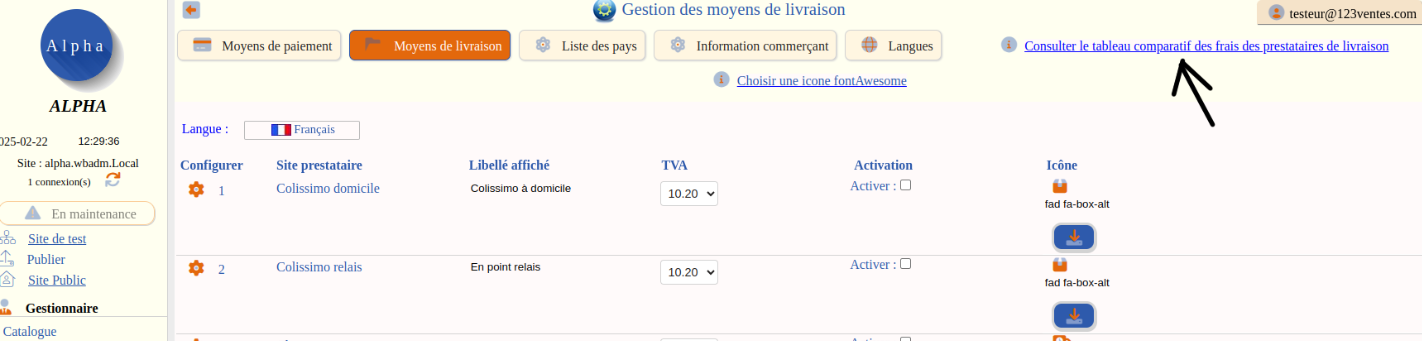
Enable the delivery methods you want to offer your customers with the matching switch. You can change the label and the icon.
They then appear in your shop, at the Basket / Delivery step:

For each enabled delivery method, click “Configure” to enter your account details if needed. Some methods need no account, others do. To open an account with a carrier, follow the link provided:

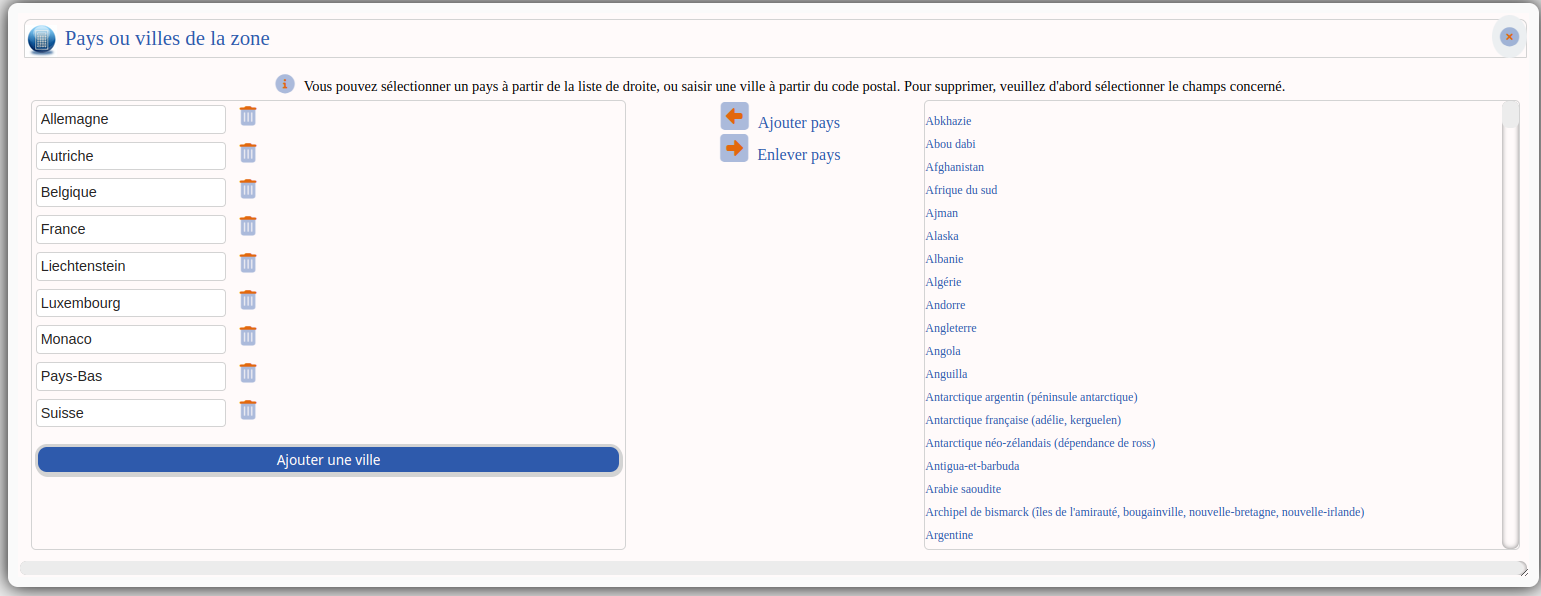
Example with Colissimo: you can choose the delivery zones. A set of zones is already predefined:

You assign the relevant countries to each zone. This lets you group rates by distance or by customs fees, for example.