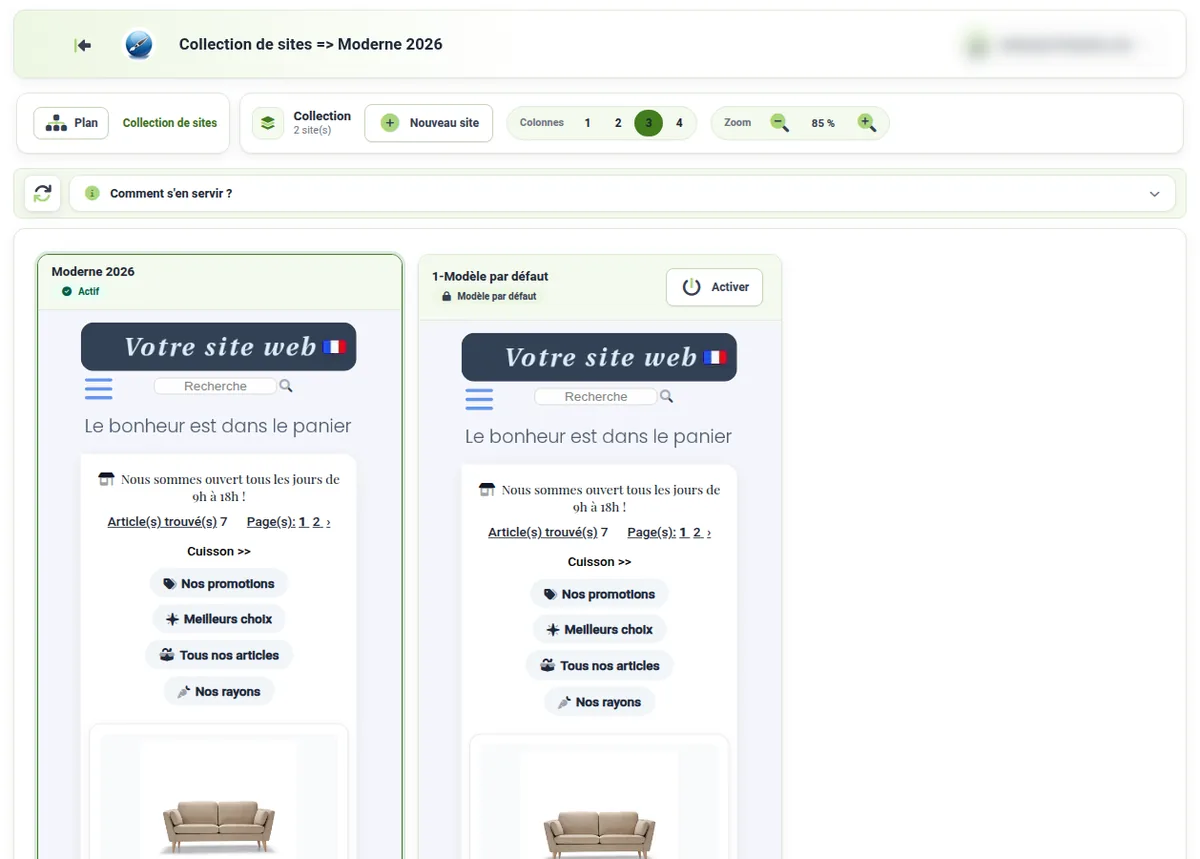
You can create as many themes as you like for each site in your collection, and you have access to a whole library of images.
What you can change in a theme
- every element of the site: title, logo, favicon, banners;
- the colours of text and backgrounds, page by page;
- the home page and its template;
- the layout of the menus and advertising.
How to do it
- Open the “Layout” menu, “Site collection” tab;
- click “New site”: a copy of the active site is created;
- change it as you wish, then click “Activate” when it is ready.
Your catalogue and your orders do not change: only the presentation is different.
See also: Which themes are available?, What is the site collection?, How do I change colours and fonts?.