The site collection lets you prepare several versions of your shop and switch from one to another in a single click. Your catalogue, your customers and your orders stay the same: only the presentation changes.
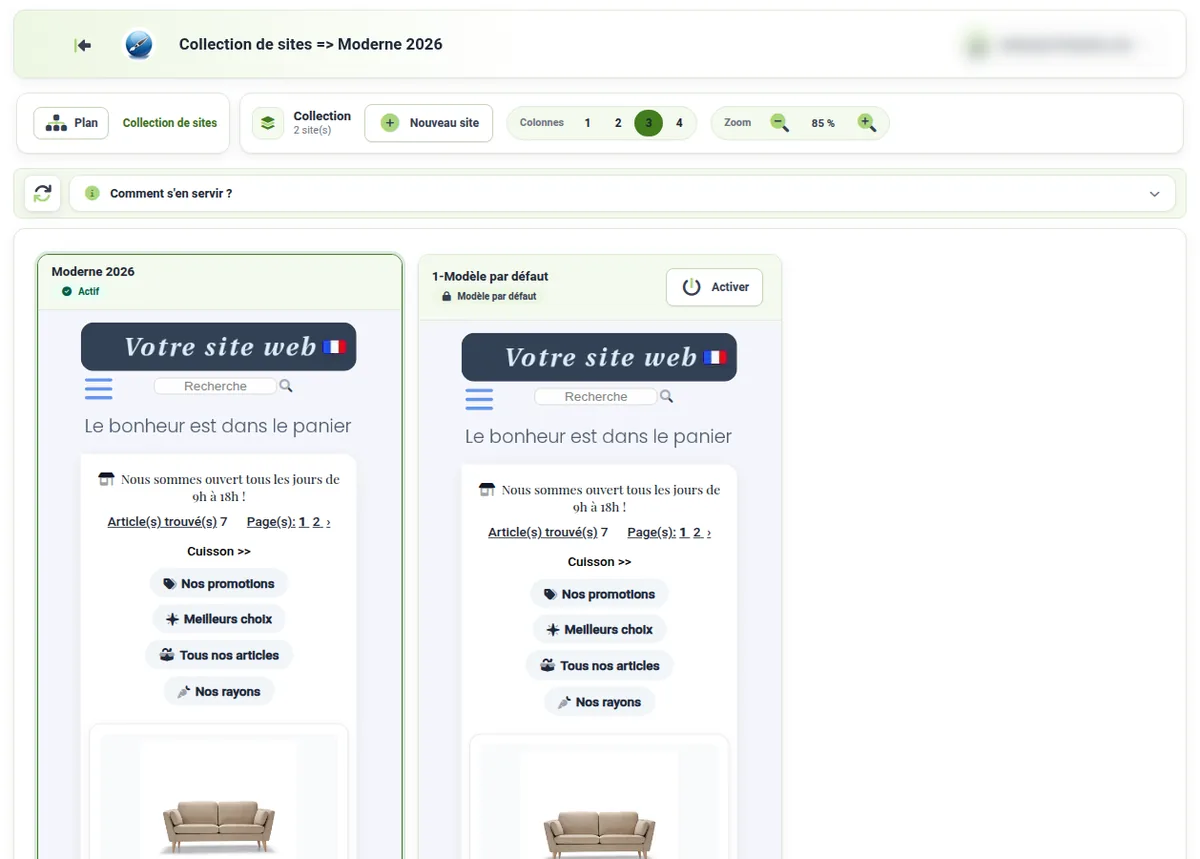
What each version contains
- its colour theme and its styles;
- its layout: position of the menus, advertising and banner;
- its home page template: product shelves, carousel, thumbnails, video…;
- its design images: title, logo, backgrounds.
What is it for?
- Keep your shop alive: one version for Christmas, one for the sales, one for the summer;
- Test without risk: you work on a copy while the active version stays in place;
- Roll back: the previous version remains available and you can reactivate it whenever you like.
The collection is in the “Layout” menu, “Site collection” tab.
See also: How do I duplicate an existing site?, What are the benefits of managing multiple shops?, How many themes can I create for my site?.