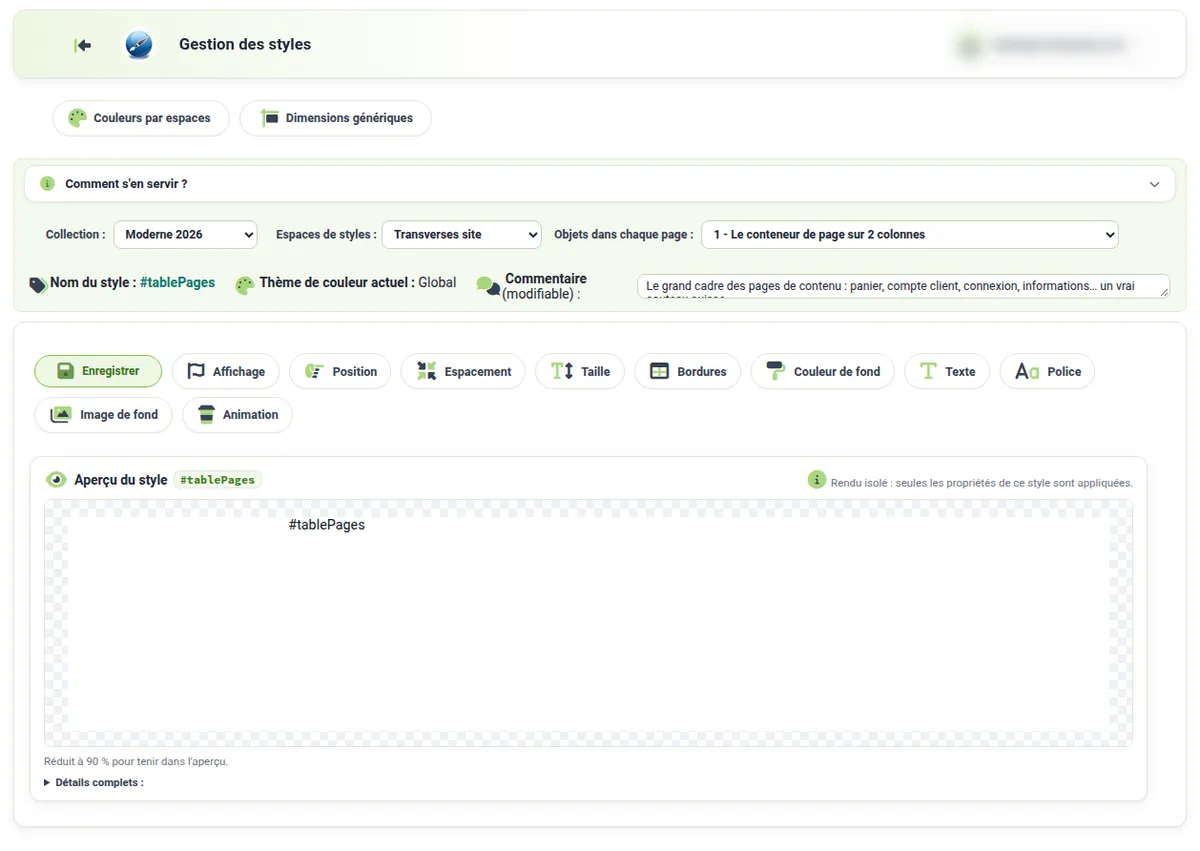
The “Styles” menu has an “Animation” tab: there you set CSS animations on the elements of your shop, without writing any code.
Other visual effects
- the image carousel on the home page;
- the video on the home page;
- background images, borders and shadows, adjustable in the styles;
- the theme colours, which set the tone for the whole shop.
In moderation
Subtle animations show off your products; too many effects distract your customers and slow down the display, especially on mobile. Check the result on your test site before publishing.
See also: How do I change colours and fonts?, Which themes are available?, How do I test features before publishing them?.