Importing your products
Open the “Catalogue” menu, “Import products” tab.
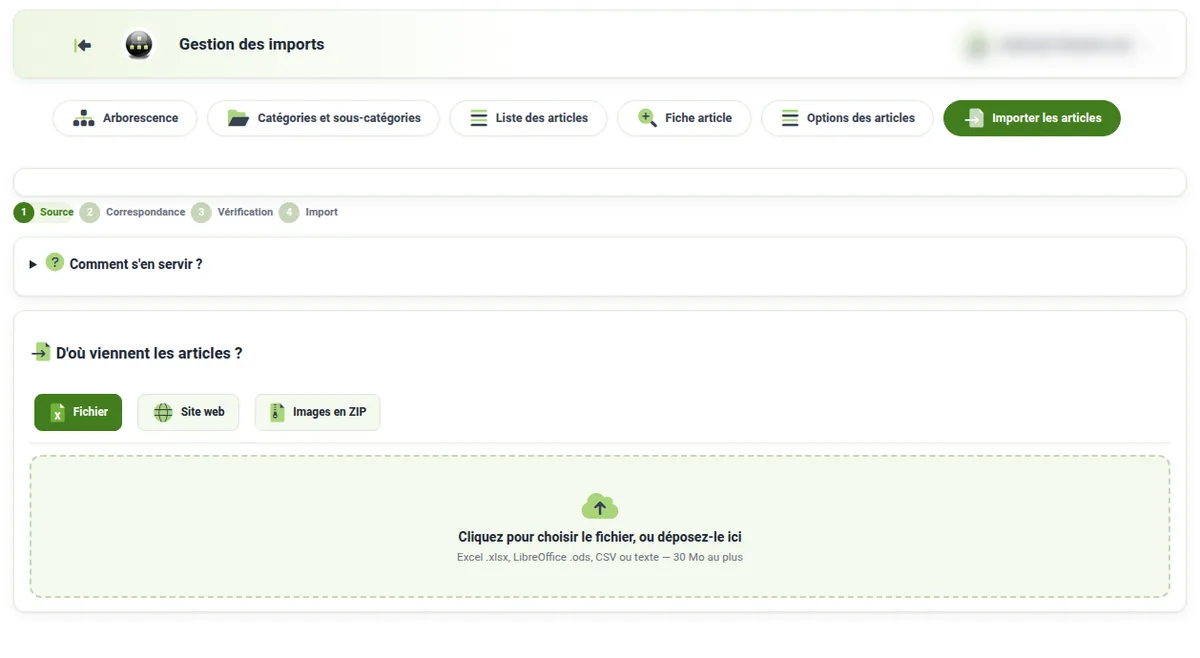
- Load the products: choose your CSV file. Four columns are mandatory: reference, price excluding VAT, name and short description;
- Load the images: upload your images grouped in a ZIP file;
- check the result in the product list, then complete the product pages if needed.
Tips
- Start with a trial of just a few lines;
- name your images clearly: it also helps your search ranking.
What about exporting?
Exporting the catalogue is in preparation. If you need it, write to us: we will help you.
See also: How do I add a product?, Which image formats can I use for my products?.