You customise your shop directly from the back office, without writing a single line of code. You choose a colour theme, the home page presentation and the menu layout, then fine-tune each element with a right-click on the page.
What you can adjust
- The theme: colours are set by type of page and object, and change everywhere at once. You can then fine-tune a specific object if you wish.
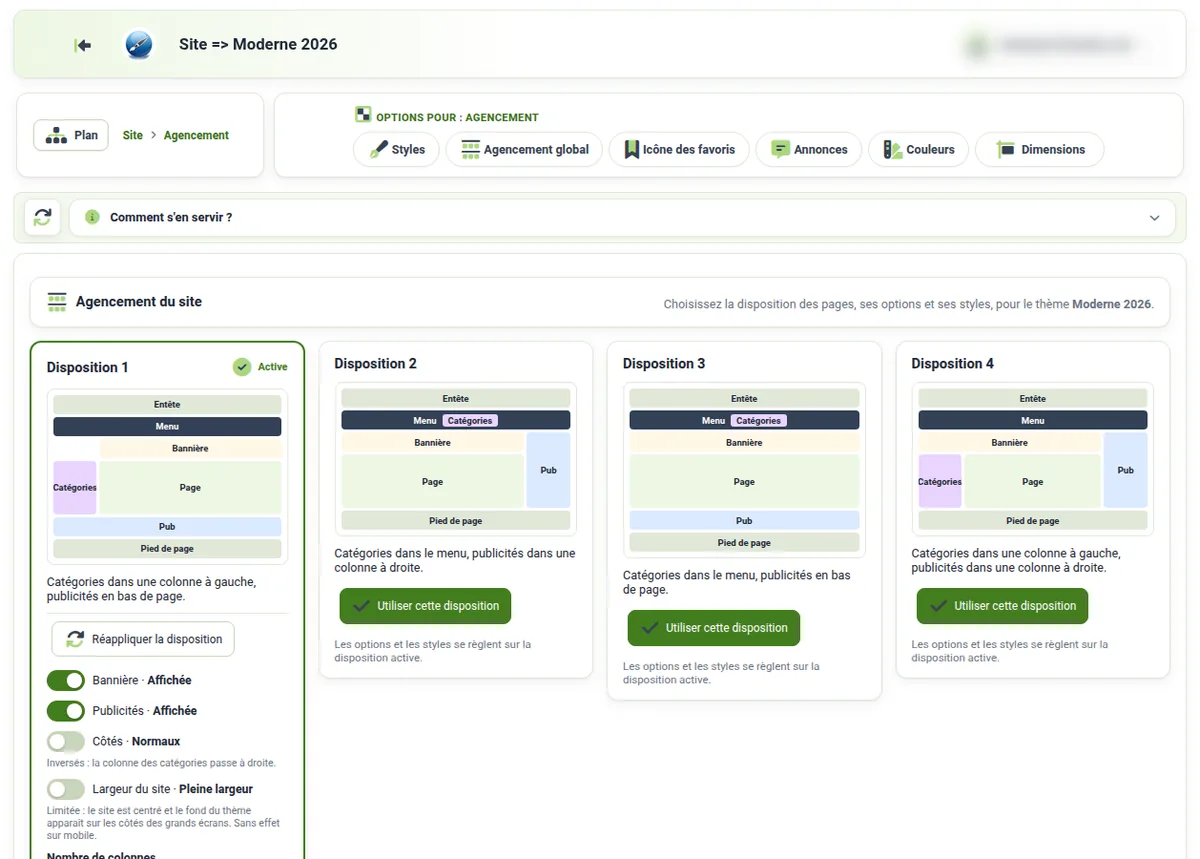
- The layout: category menu at the top or as a separate menu on the left, advertising or commercial banner, display of the various menus.
- The home page, in six formats: products on display shelves, large image, text and image blocks, category thumbnails, carousel, videos.
- The site elements: title as an image or as text, logo, favicon (the little icon in the browser tab), background music if you fancy it.
Layout mode
Turn on layout mode, then right-click on the part of the page you want to change: a menu offers the settings for that exact spot. You see the result straight away, just as your customer will.
A shop for every season
The site collection lets you prepare a version of your shop for Christmas, the sales or Mother’s Day, then switch back to your usual version once the celebrations are over. It also works as a backup: before painting everything red, keep a copy of the current version.
Your shop adapts to phones on its own: there is no second version to maintain.
To see what is possible in pictures: shop customisation and the available themes.