123ventes gives you three ways to change colours and fonts, from the simplest to the most precise.
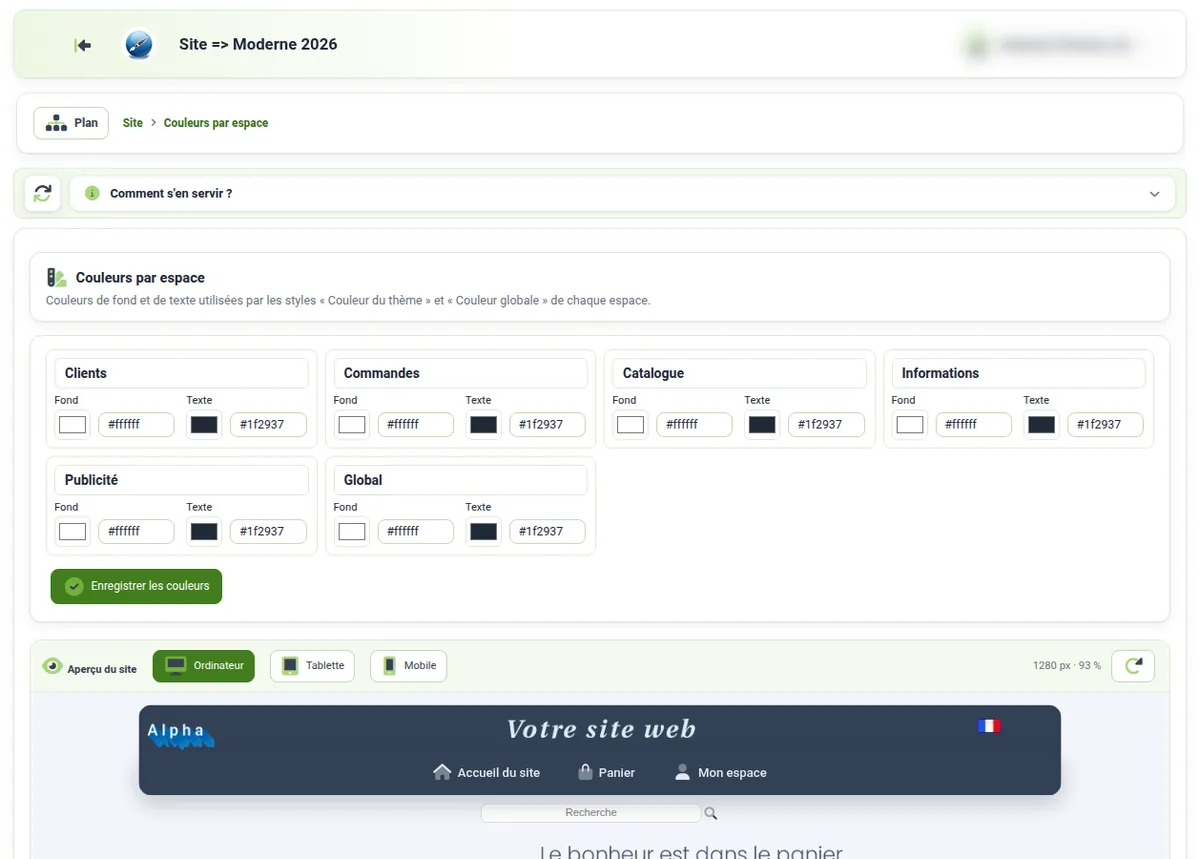
1. The theme colours
They change the colours of text and backgrounds in one go, by page type. This is the quickest way to change the look and feel of your shop.
2. From the active site
Click an element of your shop: you go straight to its style sheet.
3. The “Styles” menu
For fine-tuning, object by object. The tabs cover display, position, spacing, size, borders, background colour, text, font, background image and animation.
Tips
- Stick to two fonts: one for headings, one for body text;
- keep good contrast between text and background, for readability.
See also: How do I add animations and visual effects?, How do I customise my design?, How many themes can I create for my site?.