To duplicate your site, open the “Layout” menu, “Site collection” tab.
- Activate the site you want to copy:
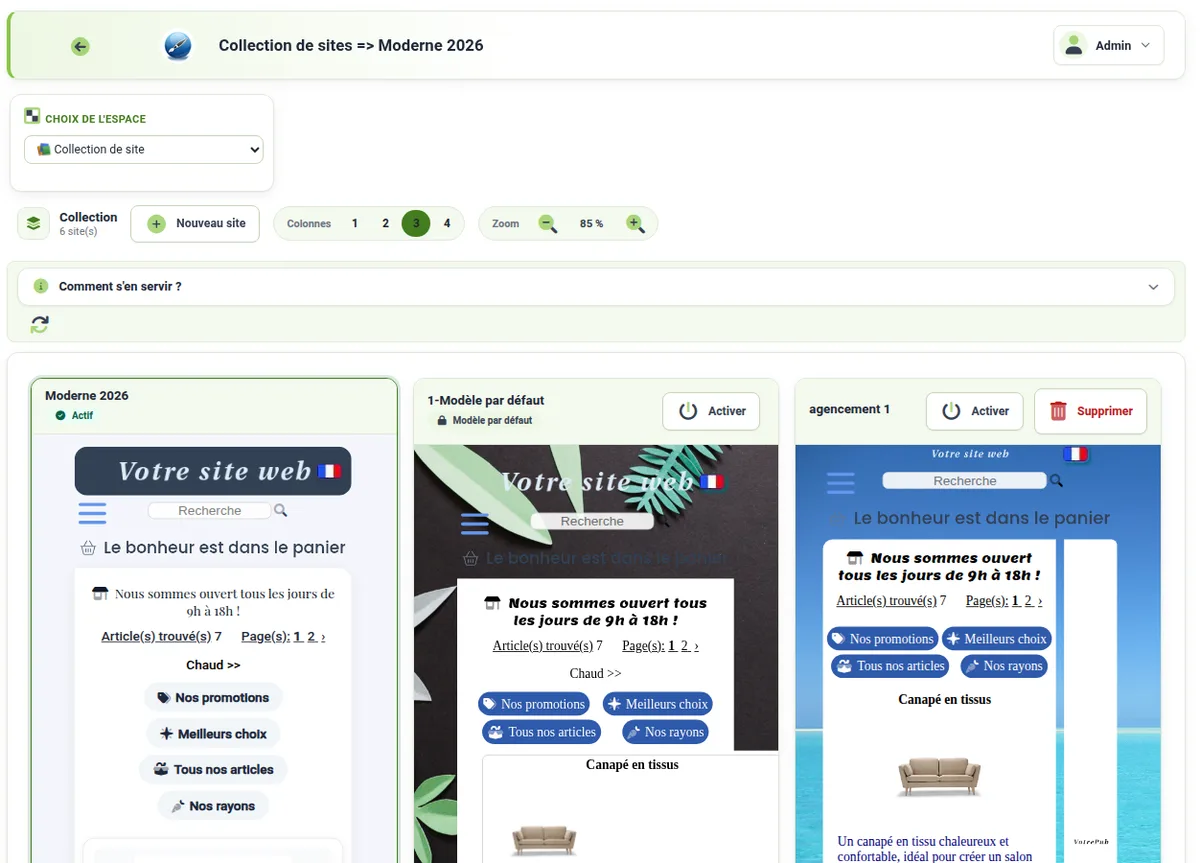
- click “New site” and give it a name: a copy of the active site is created;
- you are now working on this copy; click “Activate” when it is ready.
What is copied
The theme, the layout, the styles and the home page. The catalogue, the customers and the orders are shared by every site in the collection: they are not duplicated.
Good to know
A copy is also a backup of your presentation: before a major design change, duplicate your site; you can go back to the previous version at any time.
See also: What is the site collection?, How do I back up and restore my shop?.