You get statistics on all your pages, in the “Statistics” menu:
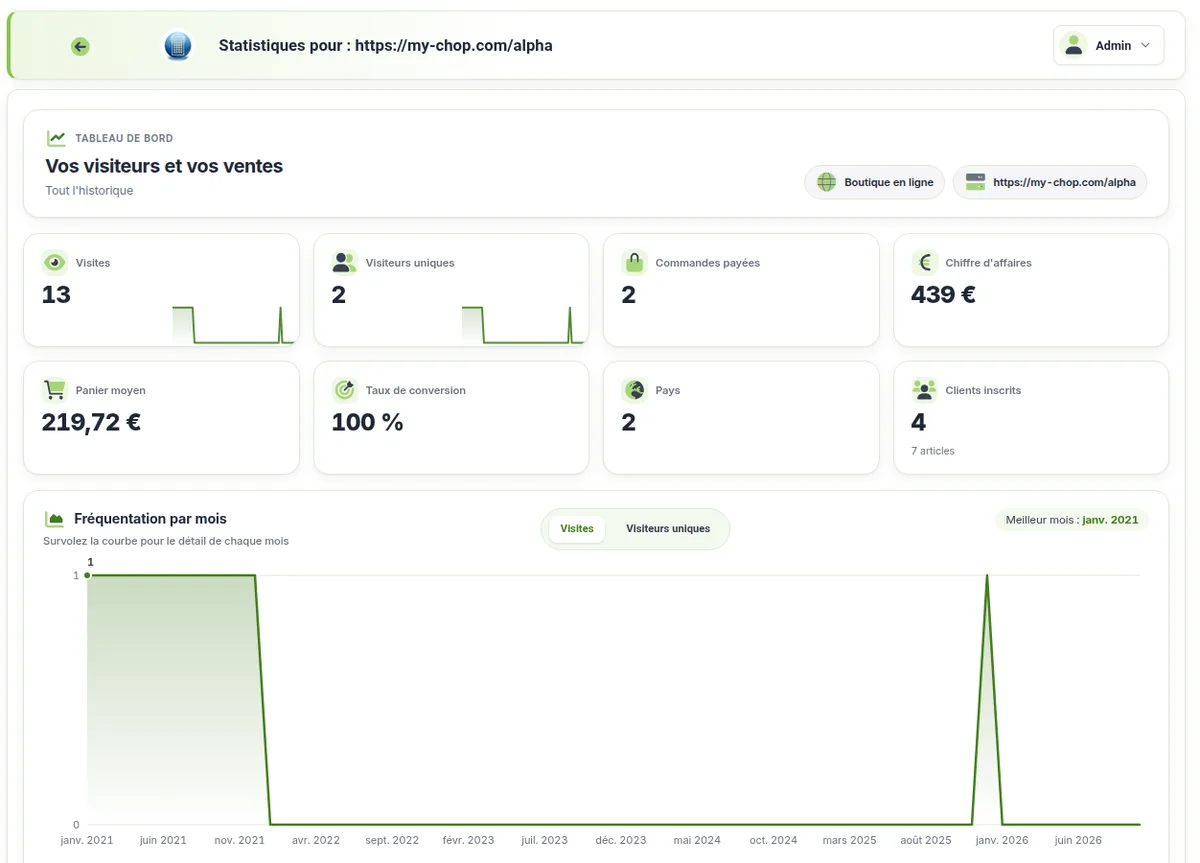
- visits, unique visitors, paid orders, revenue, average basket, conversion rate;
- comparison with the previous year;
- most viewed pages, traffic sources, countries and towns, browsers, visit days and order times.
Google Analytics and Tag Manager
Open the “SEO” menu, “Google Analytics” tab, and enter your G-… (Google Analytics 4) or GTM-… (Tag Manager) ID:
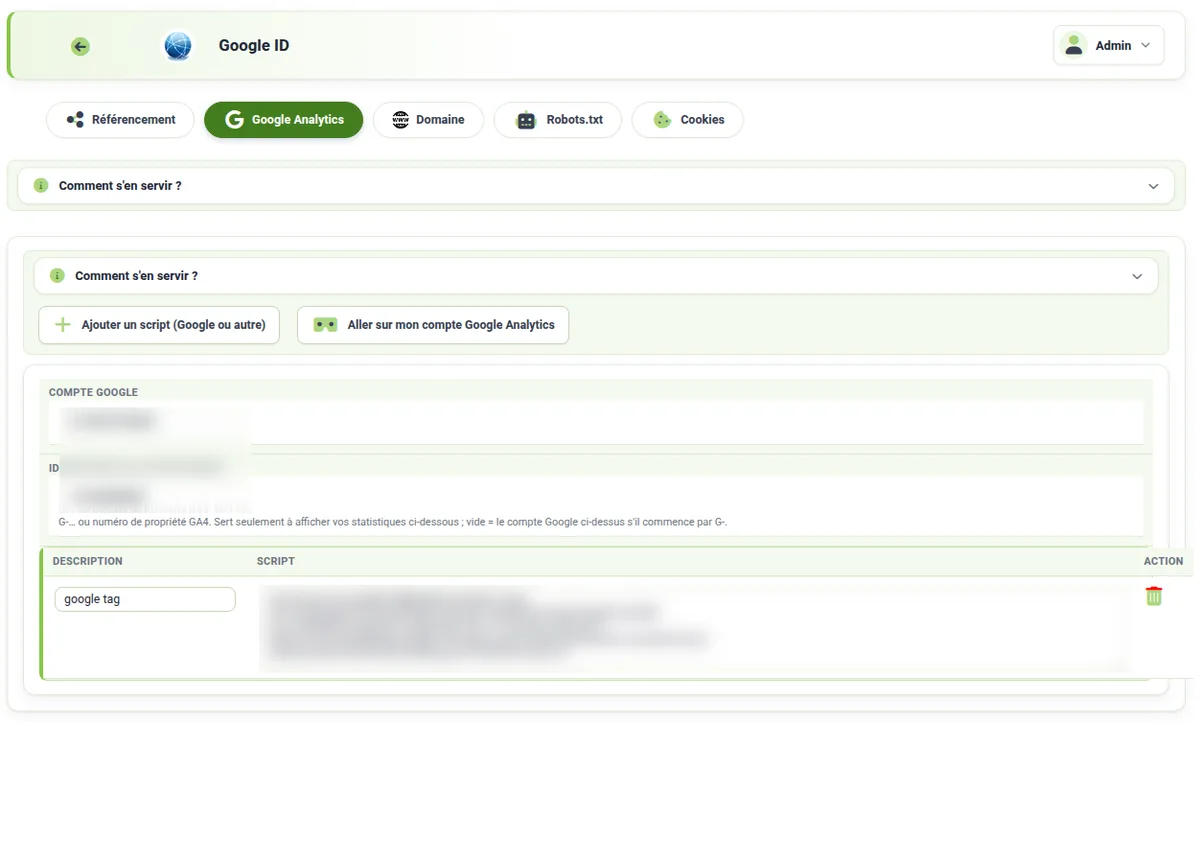
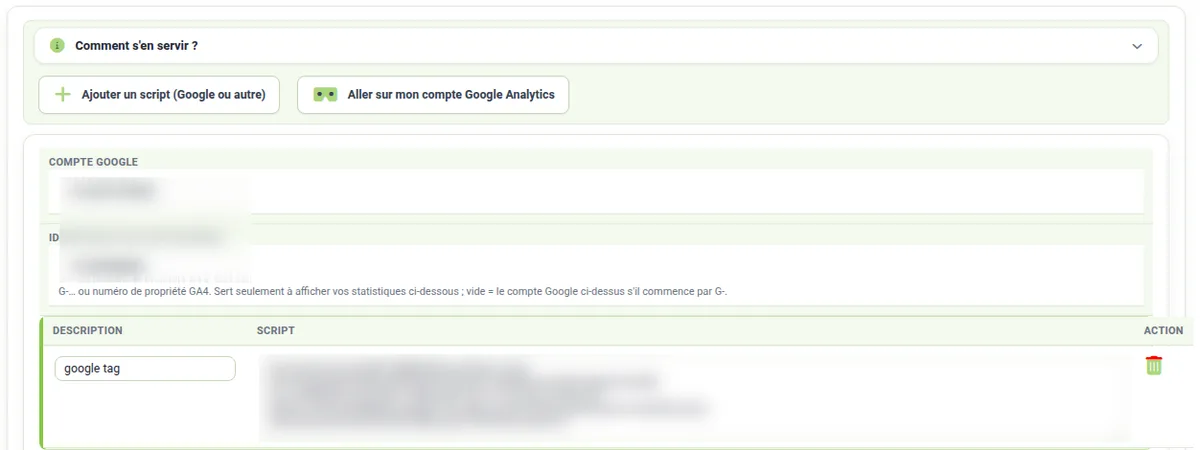
You can also paste scripts from Google or other providers here:
Then publish your options to activate tracking on your online shop.
See also: How do I compare my sales with the previous year?, How do I track my sales in real time?.