Three ways to be notified of a new order:
- in the back office: a message alerts you when you open the “Orders” menu;
- by email: every manager receives an email for each order;
- by SMS: open “My account” and choose “Receive text messages”.
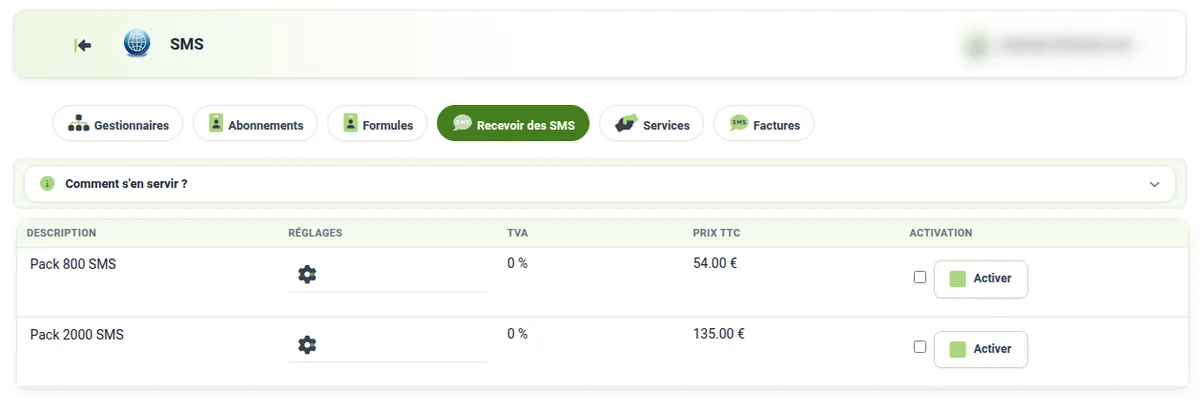
Choose the option that suits you: an SMS bundle is available, and for each manager you decide whether they receive text messages and on which number.
Tracking your sales over time
The “Statistics” menu shows your revenue, your orders and your average basket, compared with the previous year.
See also: How do I track orders?, How do I compare my sales with the previous year?.