All your orders are in the back office, “Orders” menu, “Order list”. A sound alert tells you about each new order, and a message appears when you open the screen: hard to miss.
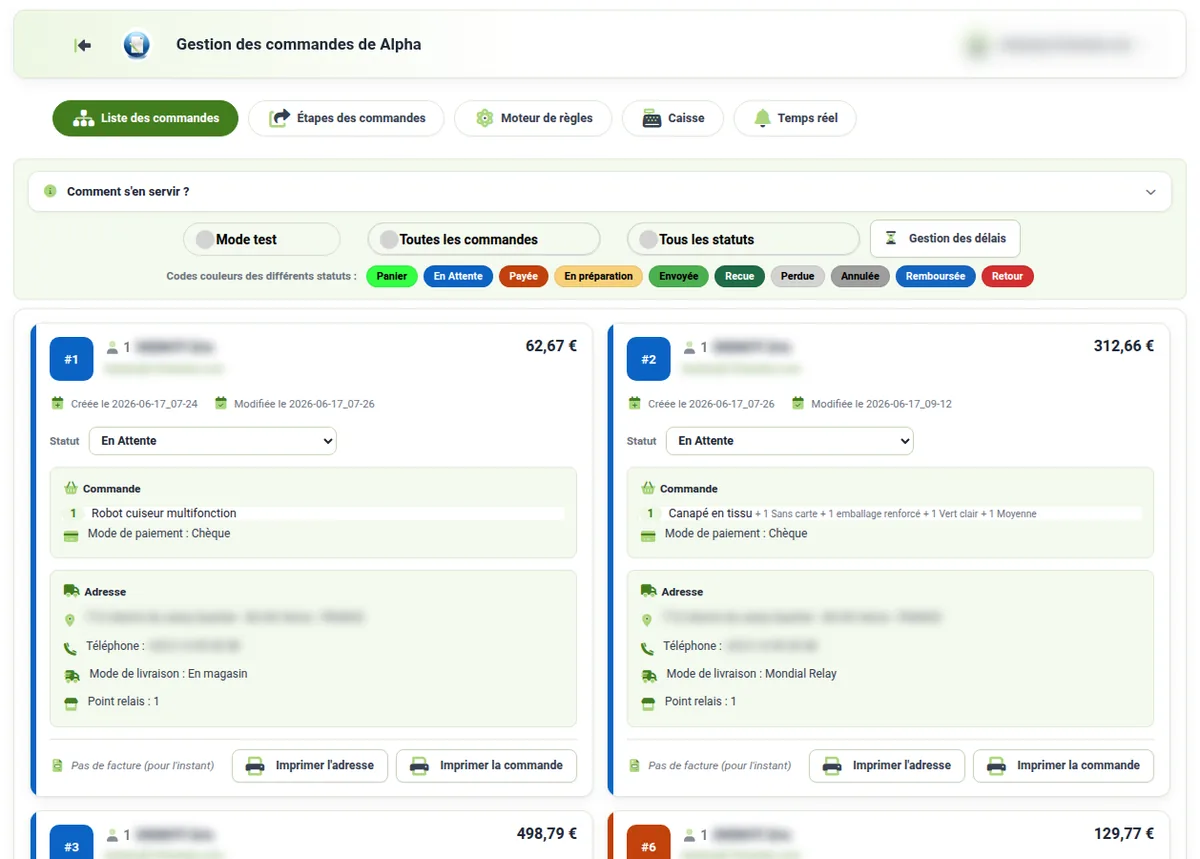
Use the filters to show only what interests you, for example paid orders still waiting to be shipped:
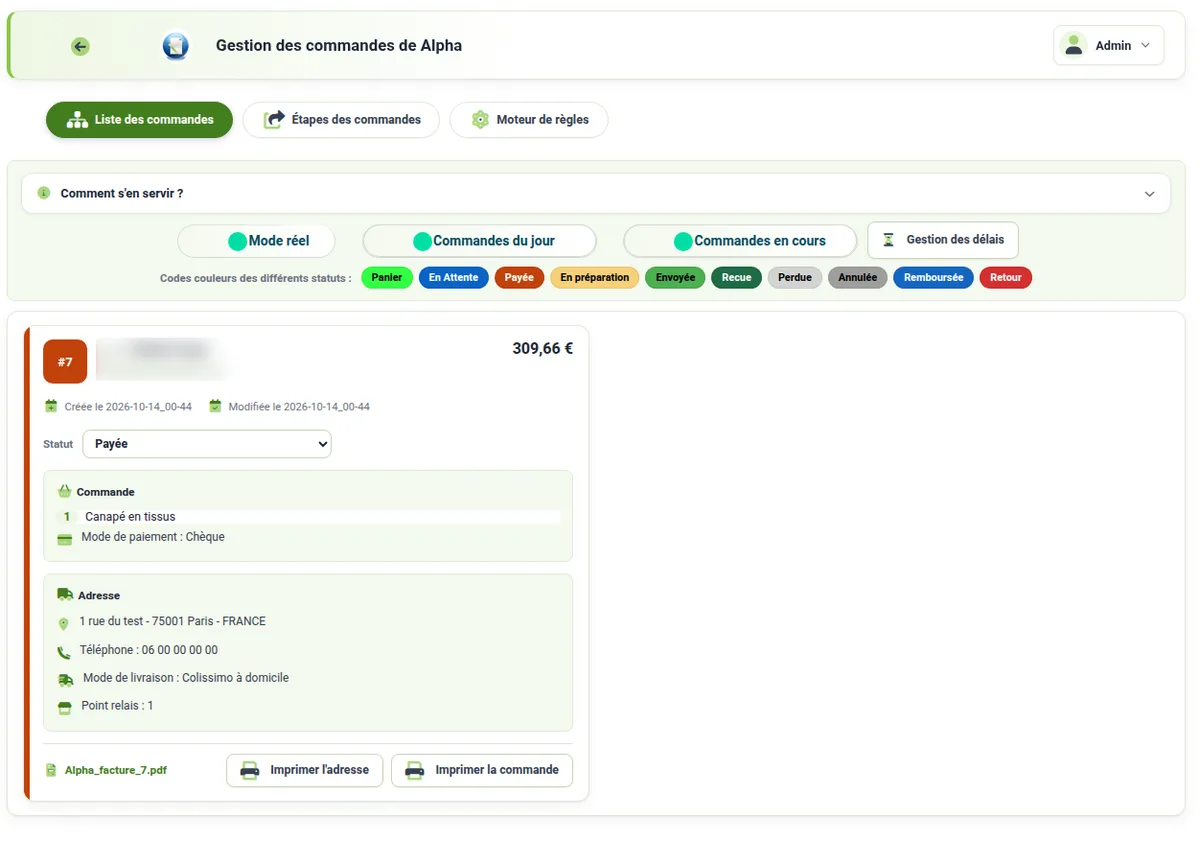
Moving the order forward
Each order goes through several statuses: pending, paid, shipped, received. There are also cancelled, lost and refunded, for the days when things do not go to plan. You change the status in the “Status” column, and your customer receives an email at each change of status.
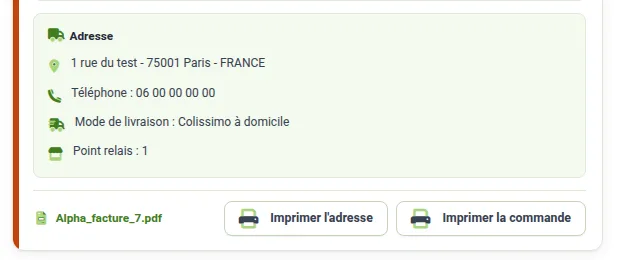
All the delivery information is provided. You can print the order and the delivery address:
Good to know
- The PDF invoice is created as soon as payment is made; you will find it in the “Invoice” column.
- The labels and colours of the statuses are set in “Order steps”.
- The back office also works on a phone: you can track your orders from your workshop or your stall.
- Do you also sell over the counter or at a market? The till records these sales, using the same stock as the online shop.
- Do you work as a team? Create several management accounts.
More details on order management.
See also: How are my customers’ invoices created?, How do I handle refunds and returns?.